$8/Month
Managed AI included, with no API key or provider setup.
 Everything in Free
- No API keys needed
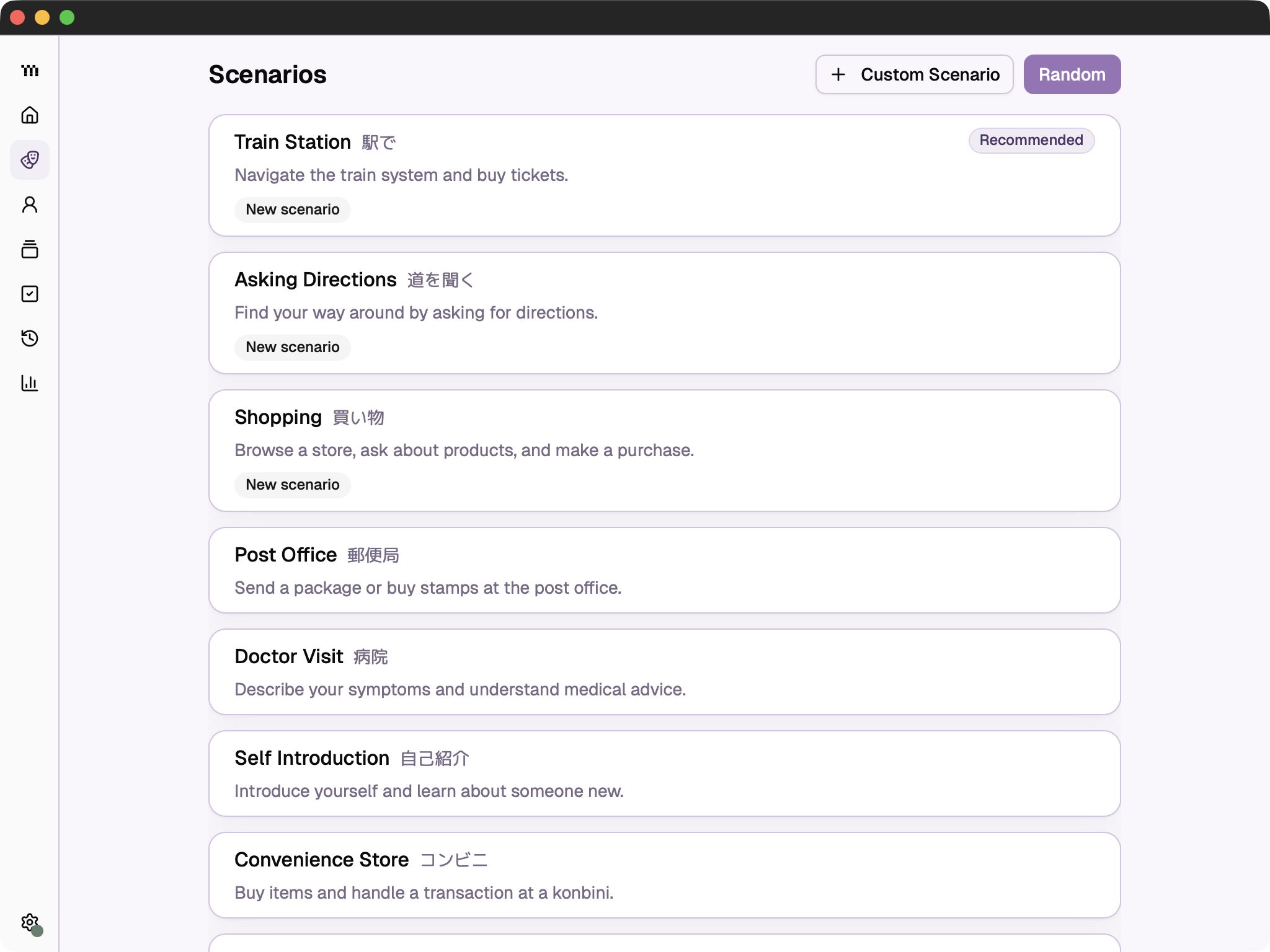
Practice realistic conversations by voice or text, get clear feedback, and review what you learn.
Free for macOS, Windows, and Linux

Real conversations. Real situations.
Practice everyday Japanese with an AI conversation partner. Order food, check into a hotel, or make small talk. Speak by voice or type, then get clear feedback on what to improve.
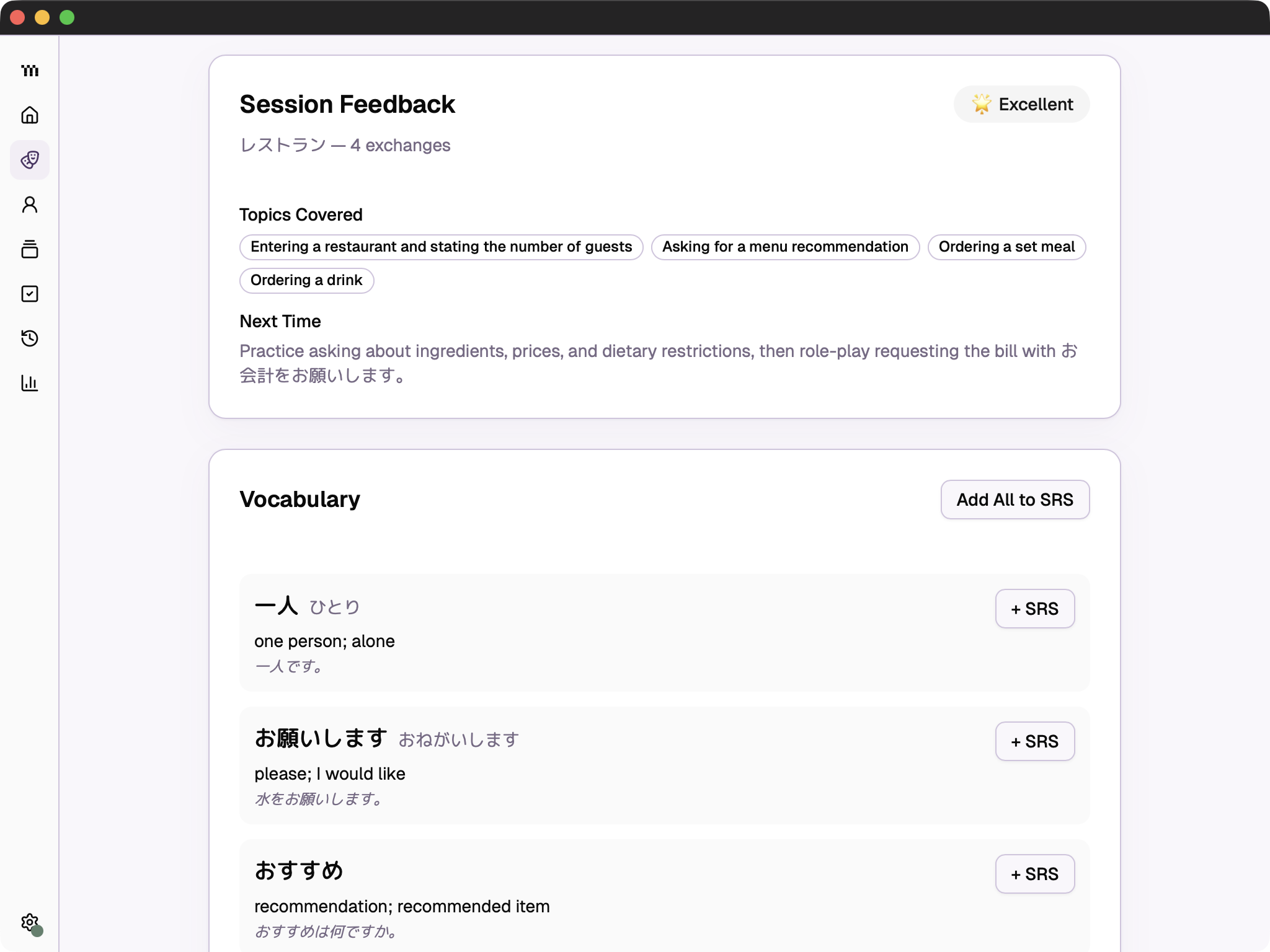
Know what to improve next.
TAMA summarizes each session and gives you a clear suggestion for what to practice next. Save useful vocabulary from the conversation directly to your flashcards.
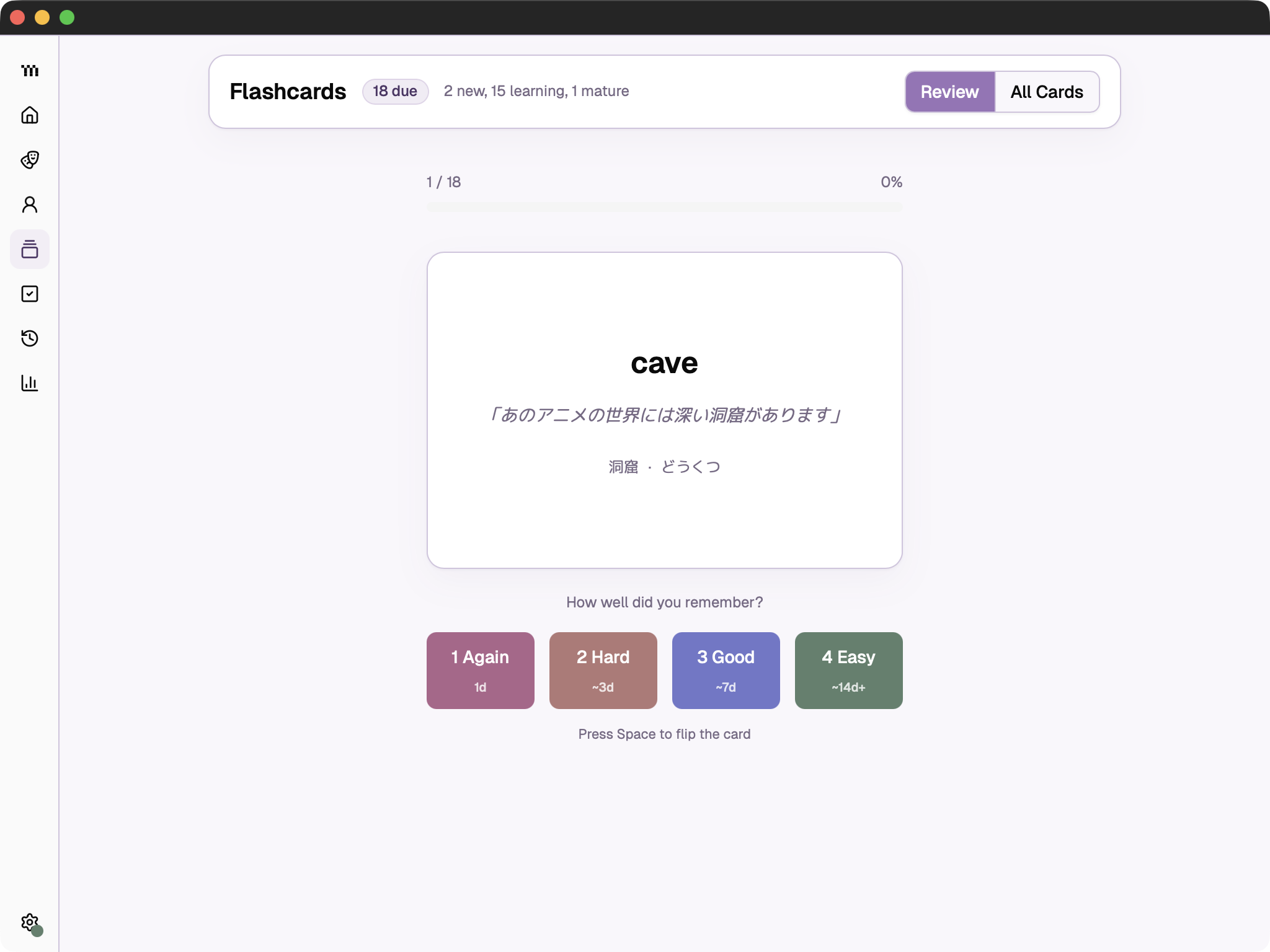
Vocabulary that actually sticks.
Save words from your sessions and let spaced repetition handle the rest. TAMA reviews them at exactly the right moment, so they move from “seen it” to “I can use it.”
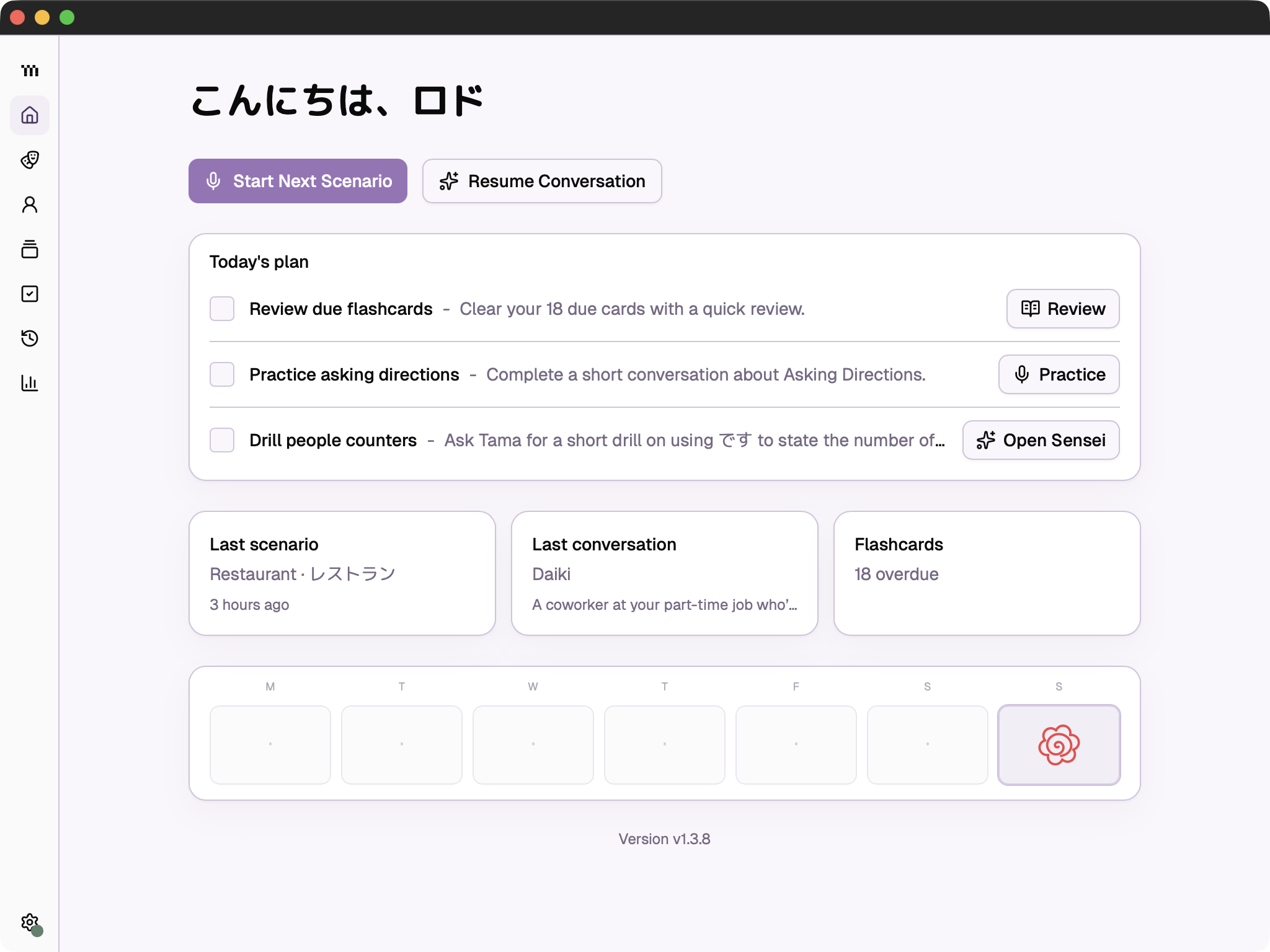
Everything you need, all in one place.
TAMA brings your daily plan, recent conversations, and due flashcards together in one place. Pick up where you left off or jump straight into the next activity without deciding what to practice from scratch.
Simple pricing. No surprises.
Managed AI included, with no API key or provider setup.
Everything in FreeNo API keys neededUse local models, or use your own API keys.
Free for macOS, Windows, and Linux
Scenario practicePersona chatsSmart flashcardsUse your own API keysLocal voice options
Choose a scenario, practice by voice or text, and finish the conversation when you are ready. TAMA gives you feedback, identifies useful vocabulary, and turns the words you save into spaced-repetition flashcards.
TAMA works best once you know a few basic words and phrases. The conversations are especially useful from beginner through intermediate level, and you can choose simpler or more challenging situations as you improve.
Yes. TAMA has public builds for macOS on Apple Silicon, Windows x64, and Linux x64. You can find every available installer on the GitHub Releases page.
In the Free app, your study history, flashcards, personas, and settings stay on your device. Requests are sent only to the AI or speech provider you choose. The managed beta will require its own clear data disclosure before anyone receives access.
The core practice tools are the same. Free lets you use local models or connect your own API keys. The planned $8/month Managed option removes that setup and provides the AI service for you. Joining the beta list is only a reservation signal, not a charge.
That depends on the provider and model you choose, and you pay the provider directly. You can also connect a compatible local model to avoid per-request AI charges.
Yes. The desktop source is licensed under GPL-3.0-only, so you can inspect it, modify it, and contribute. The TAMA name and logo are separate project marks, so public modified versions must use their own branding. See the trademark policy.